Download your 2026 PTO Tracker Template
This resource is free! 🎉
Are you looking for a way to keep track of your team members' absences and vacations? Do you need to know which days they will be working from the office?
We have created a downloadable 2026 PTO tracker Excel template so you can manage absences and vacations for your entire team. It is completely customizable and adaptable to your company!
With this PTO tracker template you can:
- Keep track of time off and vacation days
- Stay on top of employee PTO Allowance
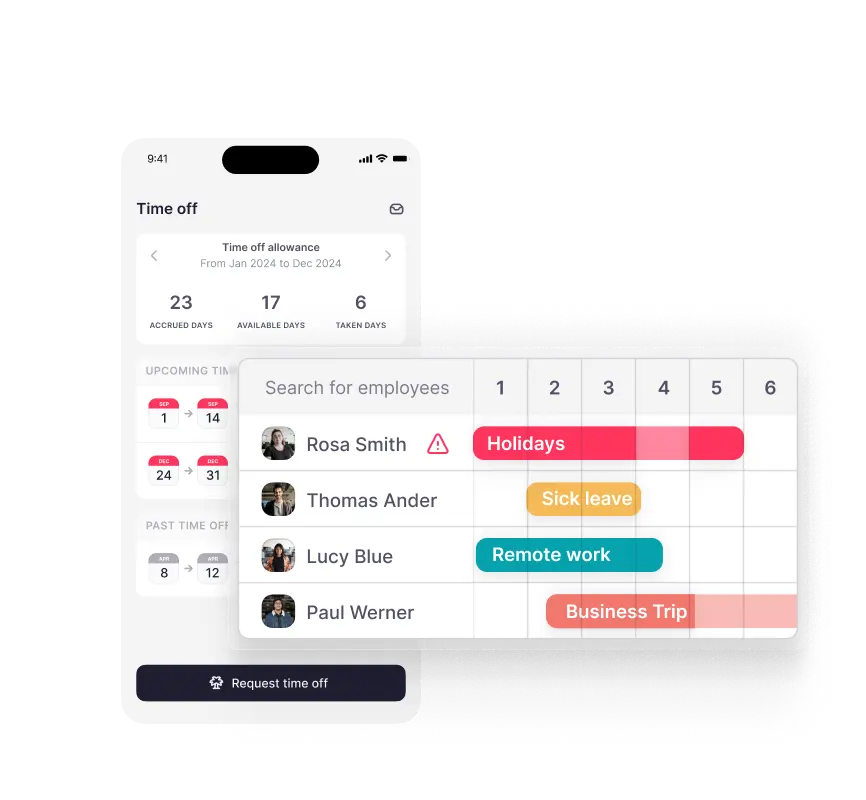
- Visualize which employees will be out of the office at any given time
- Track unpaid time off, maternity/paternity leave, and other absences
Make tracking PTO a lot easier at your company with this template!
What is an Excel PTO Tracker?
Keeping accurate records of employee time off can be a tedious task, especially if you manage a large workforce. That’s why it’s essential to have the right tools or software solutions in place to ensure your data remains reliable. Accurate data allows you to make necessary payroll adjustments, while real-time visibility helps you modify shift patterns to prevent PTO from impacting overall performance. Additionally, both state and federal regulations require proper timekeeping and recordkeeping.
With an Excel PTO tracker template, you can track paid hours, days off, and PTO allowances while maintaining compliance. This enables you to easily see how many PTO days each employee has taken and how many remain. Beyond annual leave, an Excel PTO tracker can also be used to monitor sick leave, maternity or paternity leave, unpaid time off, and other types of absences.
How to Track PTO in Excel
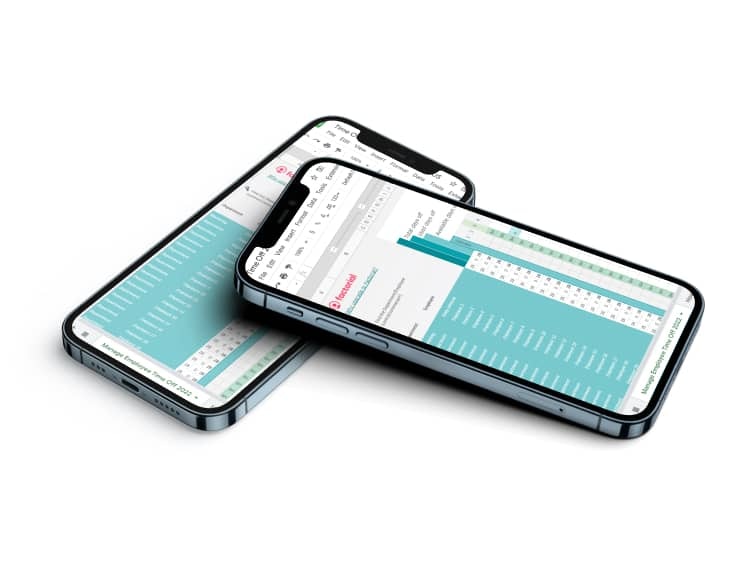
Once you’ve downloaded our 2026 Excel PTO tracker, you can start using it to manage and monitor all PTO requests within your company. Our paid time off tracker should be easy to use, provided your working arrangements are not overly complex. This allows you to accurately plan and track employee time off, ensuring your company remains productive at all times.
Here are a few things to keep in mind:
PTO Excel Formulas
You can customize most Excel PTO trackers to fit your company’s specific needs. However, remember that Excel has limitations when it comes to time and attendance functionalities, so you may need to create custom formulas for certain calculations.
Additional Categories
In addition to tracking PTO, you can also use your Excel PTO template to record unpaid time off, comp time, sick days, and work-from-home days. To make it clearer, consider using different colors to represent each category.

PTO Tracker Template Pros and Cons
Pros:
- Excel is included in the Microsoft Office suite which most companies use. No extra costs are involved (alternatively, Google sheets is free).
- Most employees have at least a basic understanding of Excel. This means it will be easy for your HR professionals to learn how to manage your PTO tracker template.
- It provides you with a clear record of an employee’s PTO allowance vs time taken off. This makes it easier to check their remaining allowance when they request PTO.
- It’s a basic system that allows you to manage paid time off for small teams.
Cons:
- Most employees have basic Excel skills. However, you still require a certain level of IT knowledge to create formulas.
- Excel documents cannot be edited by more than one person at a time. There is also a risk that spreadsheets can become unknowingly duplicated.
- Entering PTO data manually can be tedious and time-consuming. The process is also open to human error.
- PTO Tracker Software is a much more efficient and accurate solution for managing paid time off compared to a manual Excel PTO tracker.
- Requesting time off and approving PTO can be complicated and time-consuming compared to the benefits of using absence management software.
Digitize your PTO management with Factorial
Our 2026 Excel PTO tracker can be a great solution for tracking paid time off in your company. However, digital solutions such as automated time-tracking software can further streamline and accelerate the process. These tools can also help manage vacation and PTO requests—especially valuable in larger organizations or companies that offer unlimited PTO.
With the right software, such as Factorial’s time-off management system, you can simplify and centralize all your PTO processes. Employees can submit time-off requests directly to their managers, who can review and approve them online with ease. This provides a reliable, real-time record of all PTO, making it much easier to understand, monitor, and manage the entire time-off process seamlessly.