MDM that knows your employees
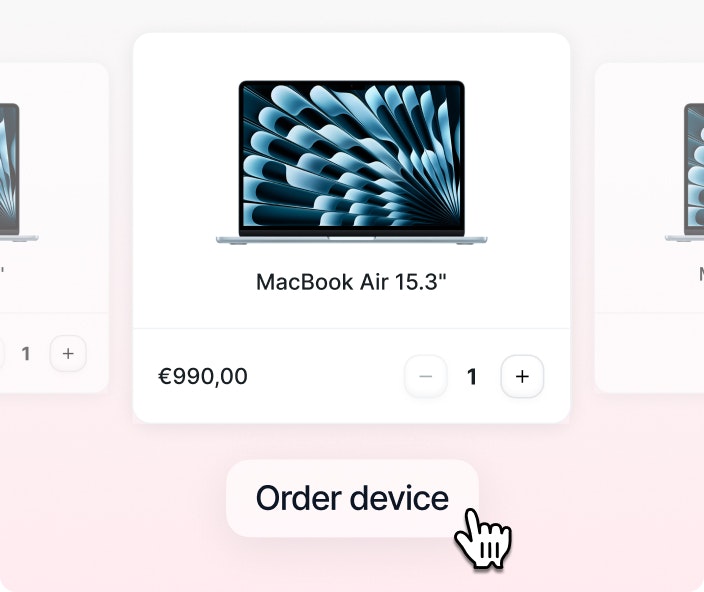
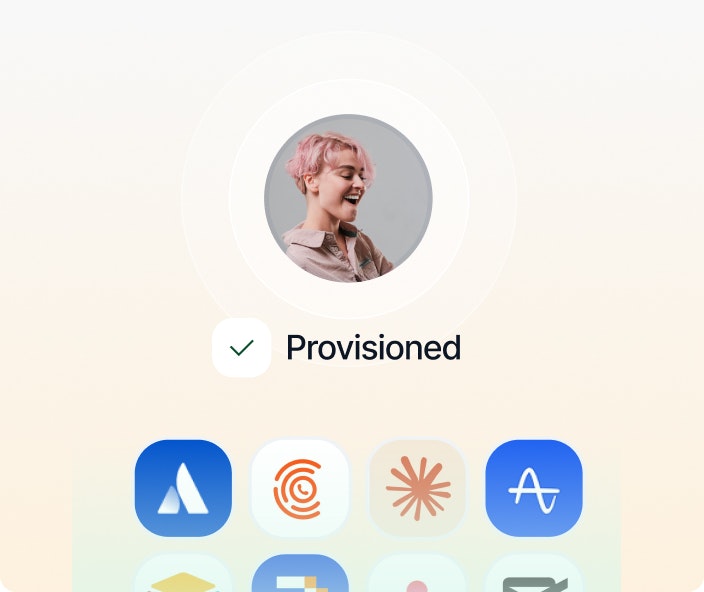
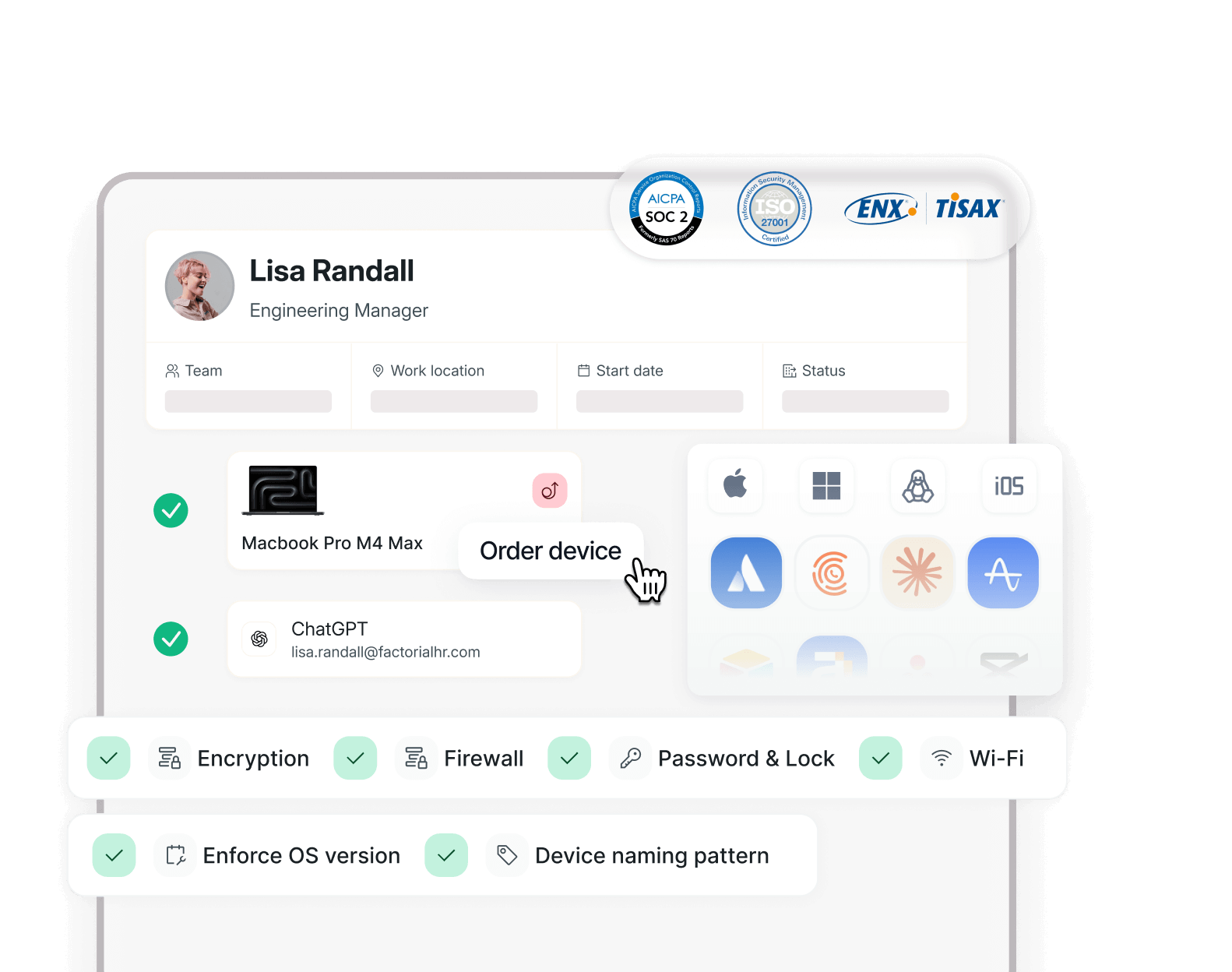
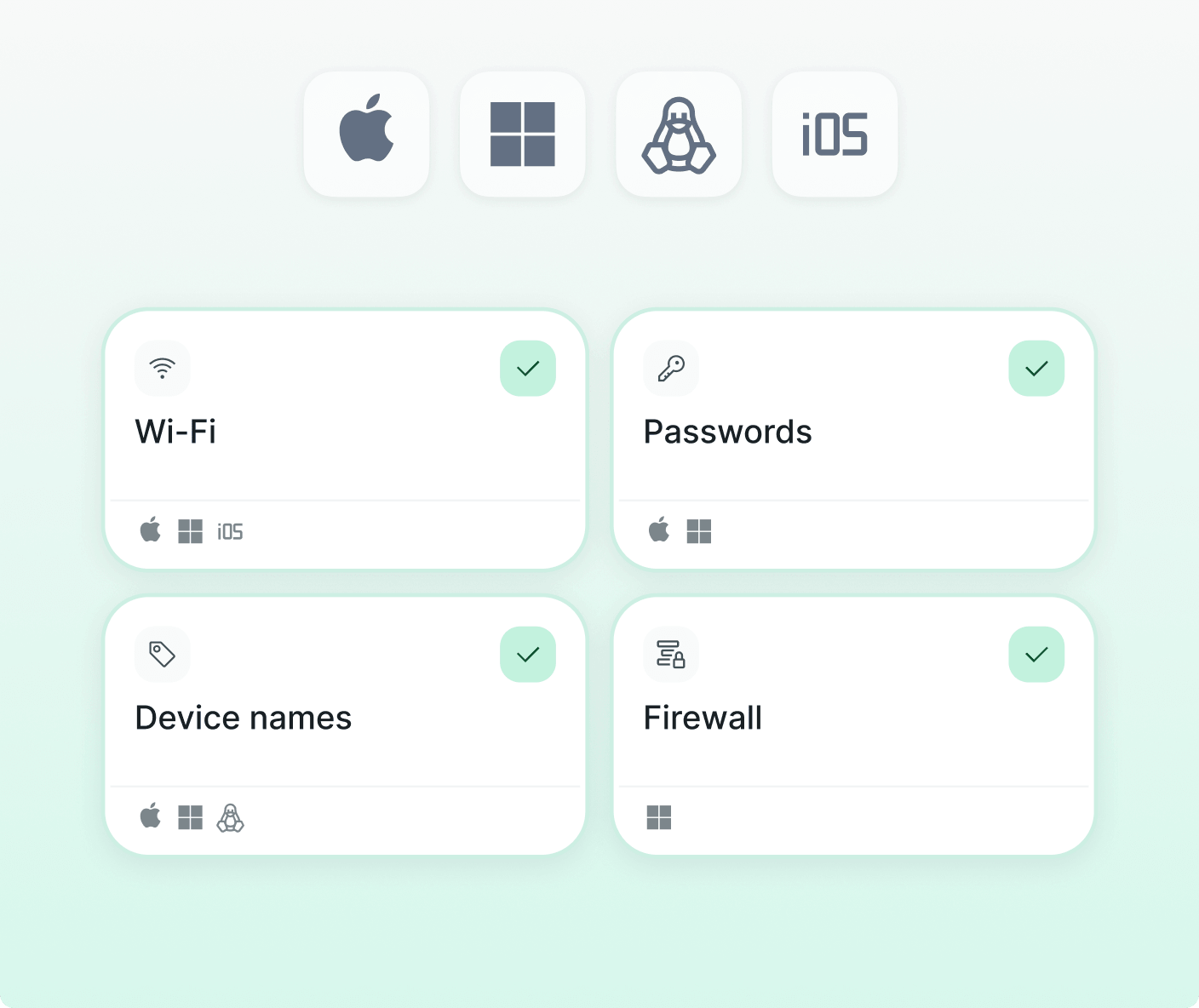
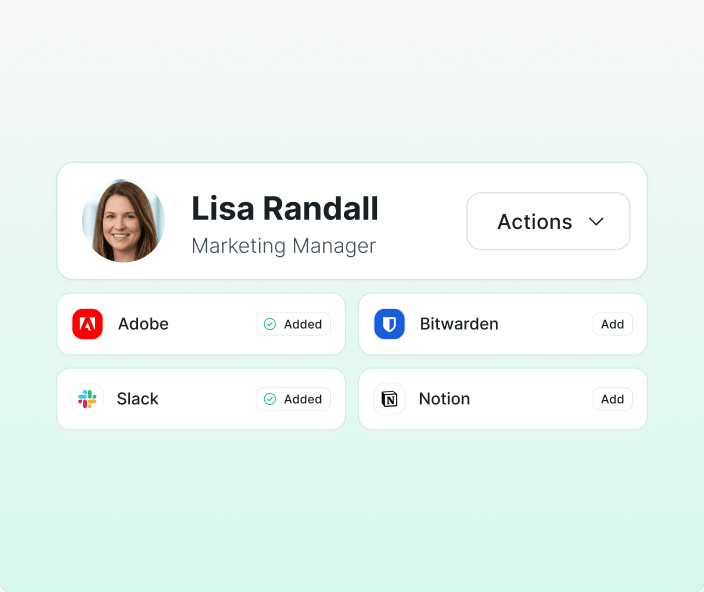
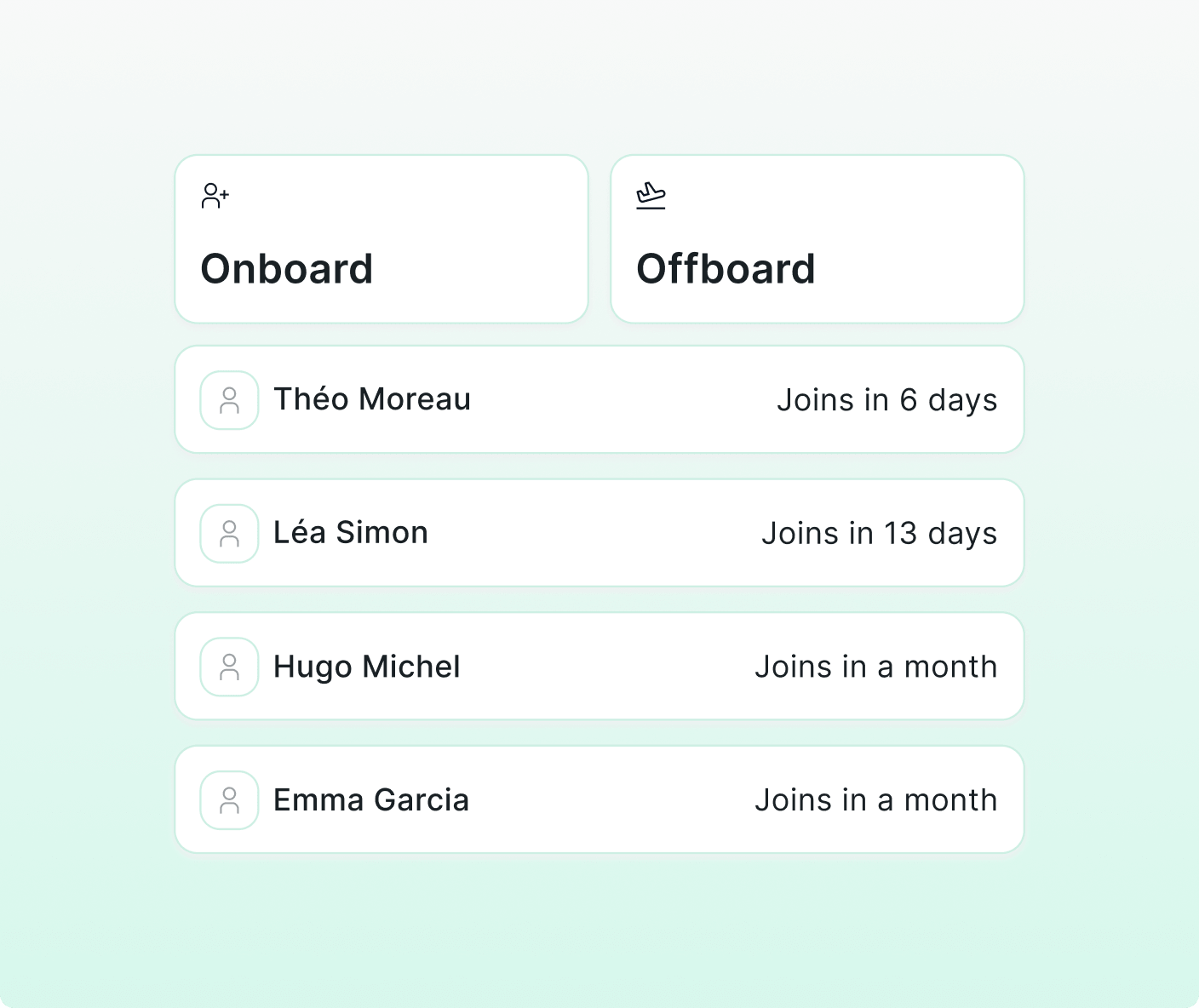
Enroll, secure and monitor every Mac, Windows, iOS and Android device from one dashboard — connected to your HR so every hire, change or offboarding updates automatically.





One platform, total IT control
Remote Control
Lock, wipe or locate a device instantly
Respond to theft, loss or incidents without needing the employee or on-site access.
- Remote lock and wipe in seconds
- Remote patch and update deployment
- App control: install, update or remove
Visibility
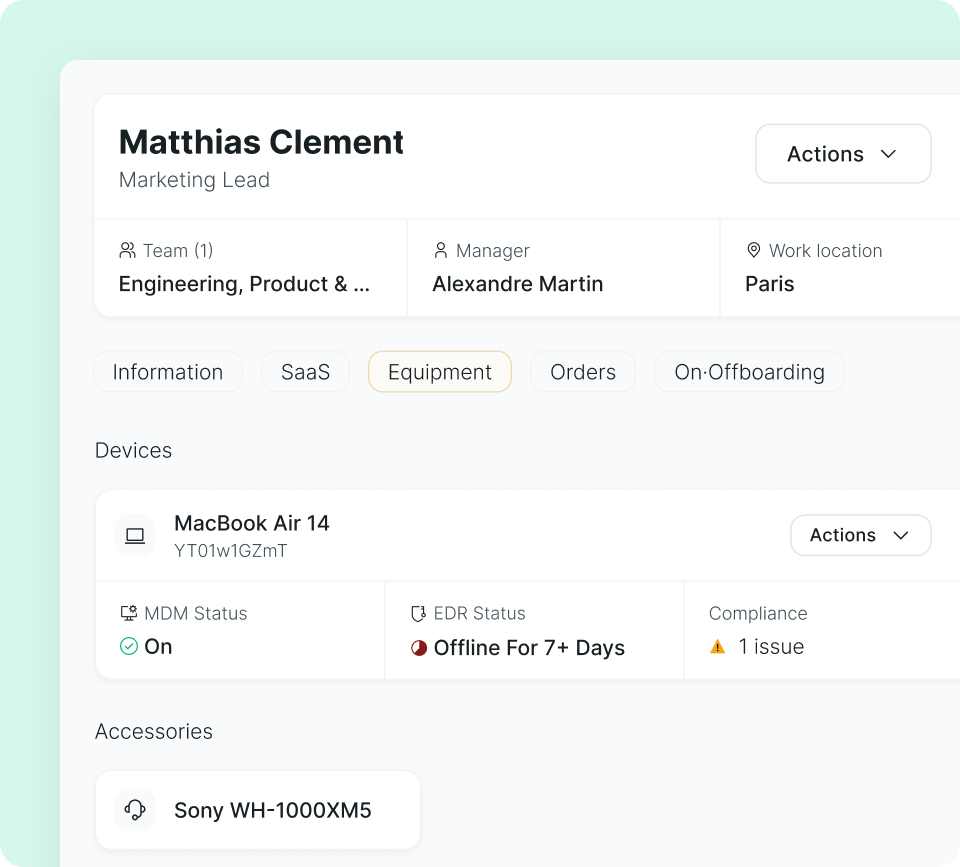
Real-time inventory of your fleet
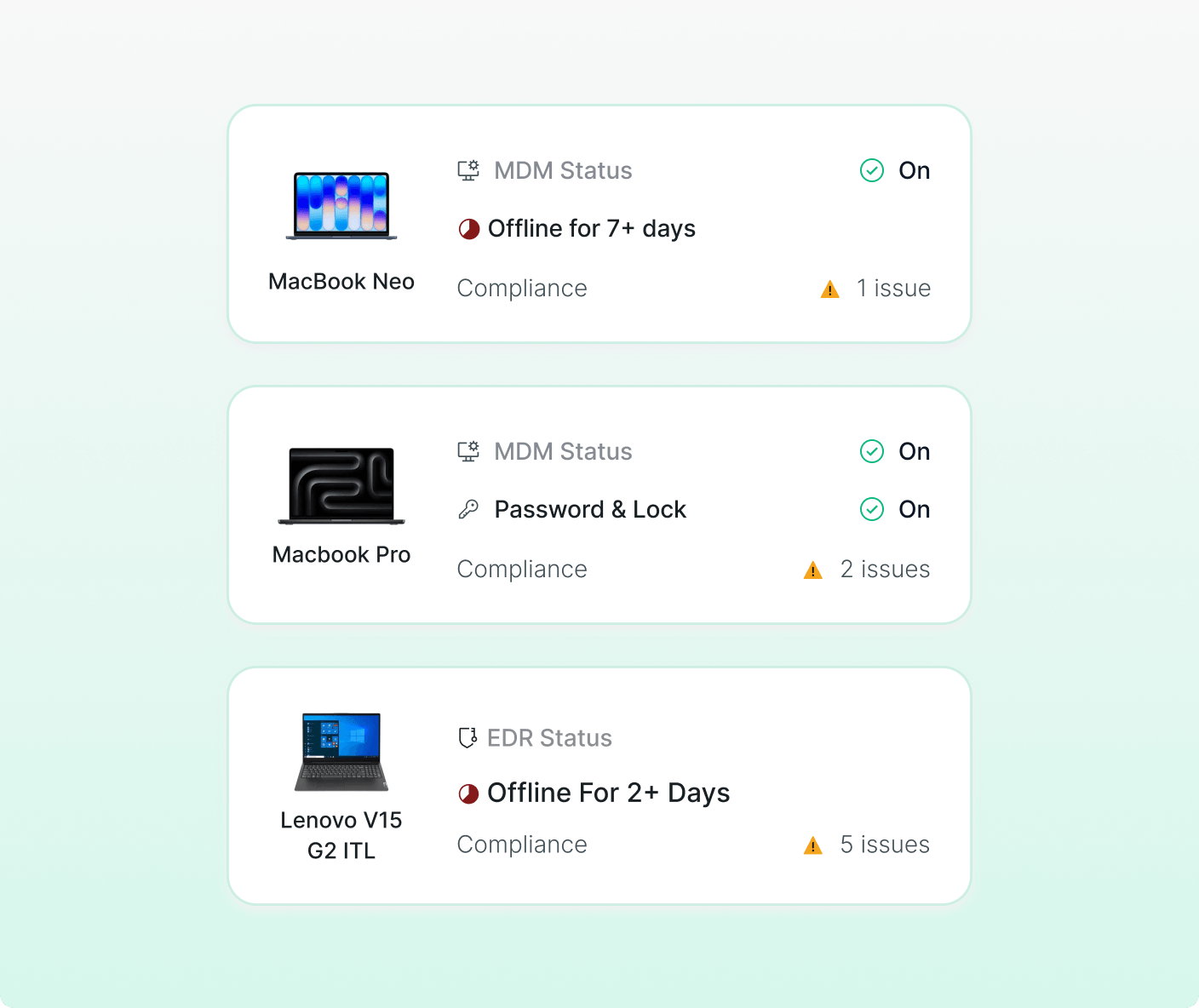
Status, OS, installed software and compliance level for every device, continuously updated.

Spot issues before the first ticket
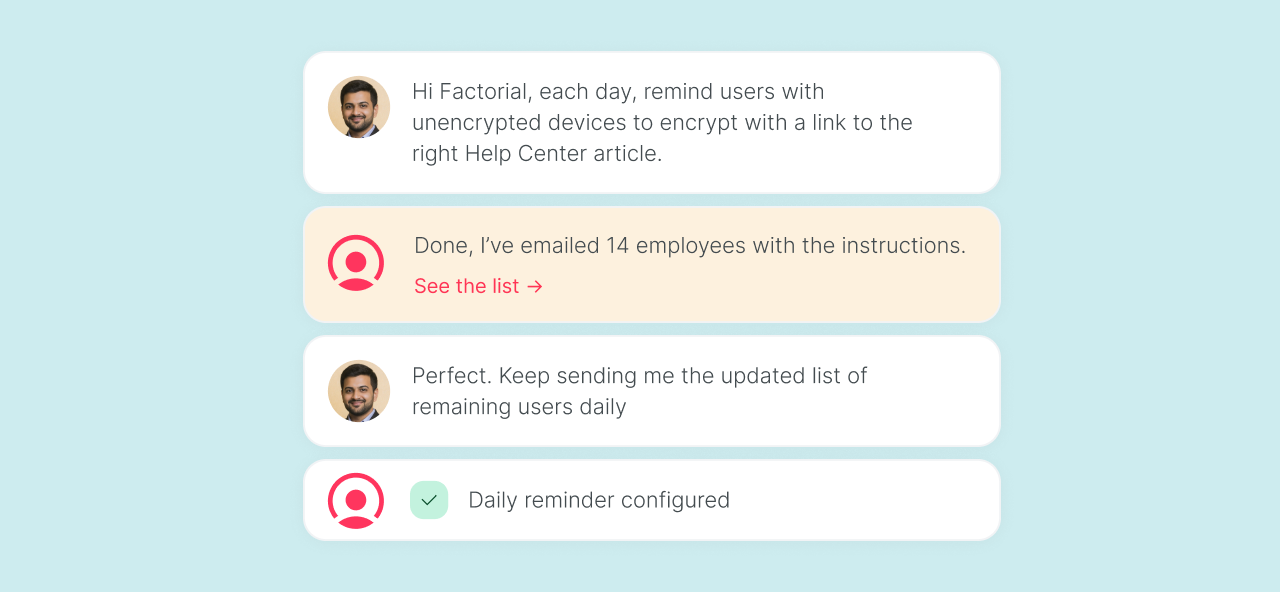
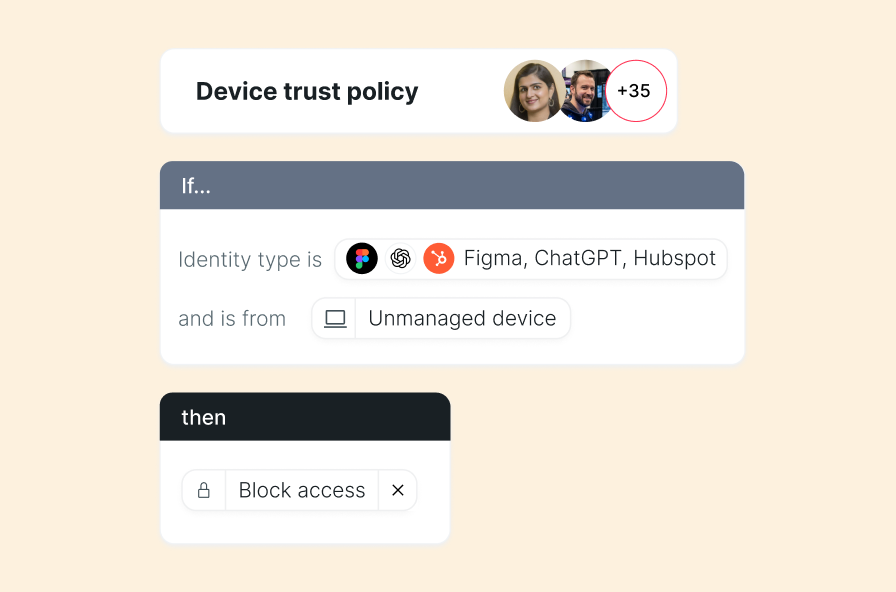
See which devices have outdated software, inactive encryption or irregular access.

Full history per device
Who used it, what changes were applied and when.
A complete MDM that's easy to run, with a real team behind it
Manage devices, SaaS, IT inventory and cybersecurity without jumping between tools or invoices.
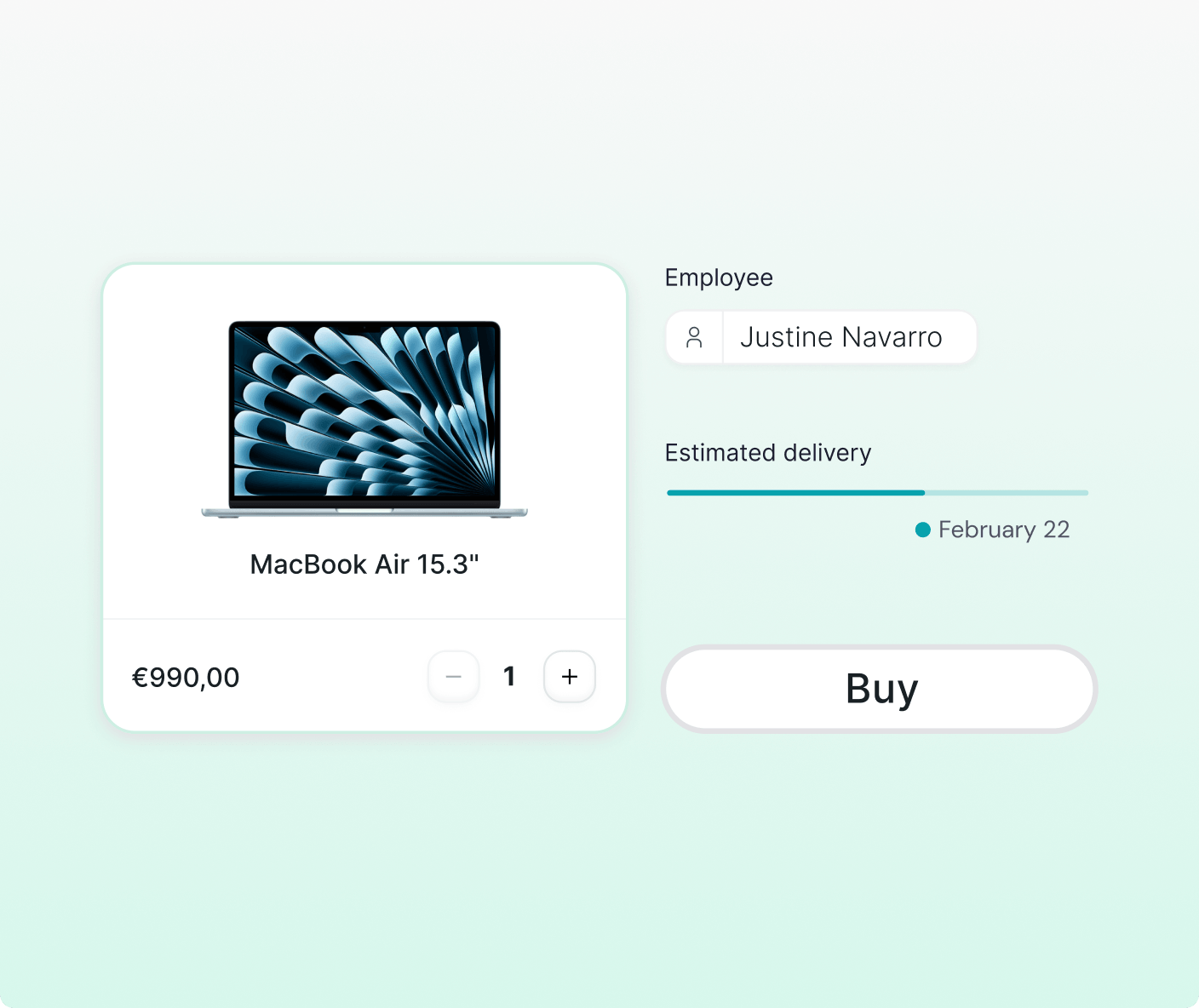
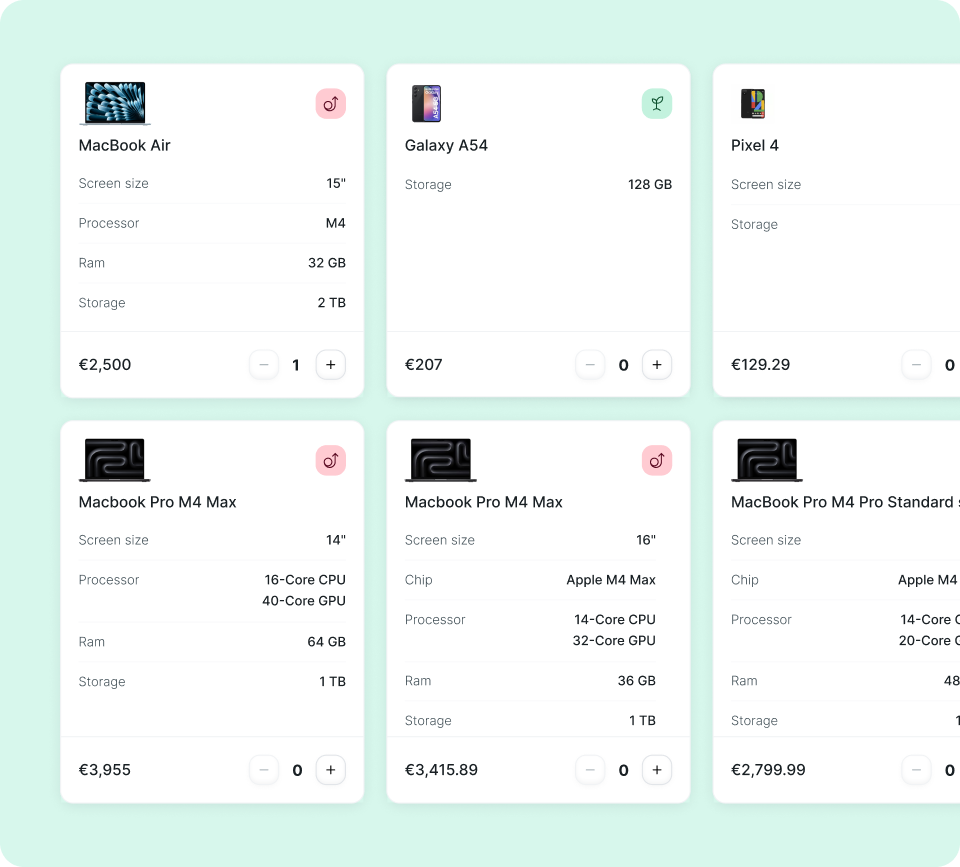
- Zero-touch enrollment on Mac, Windows, iOS and Android. Devices arrive at the employee ready to go.
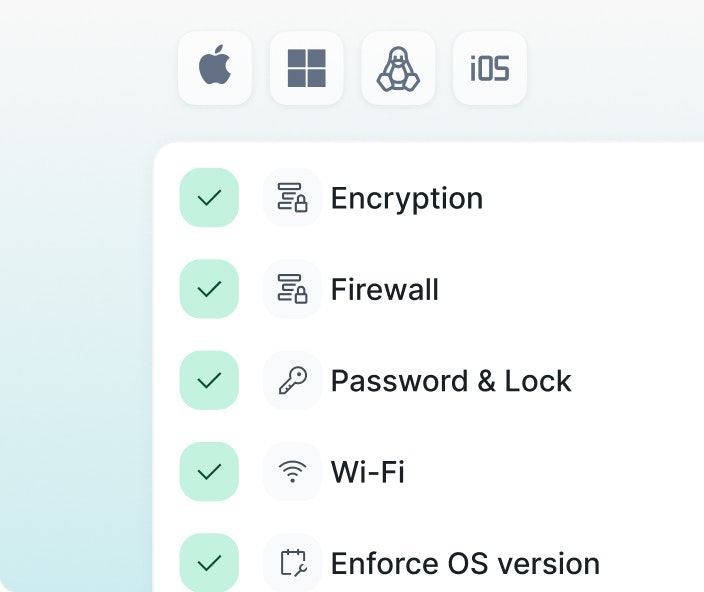
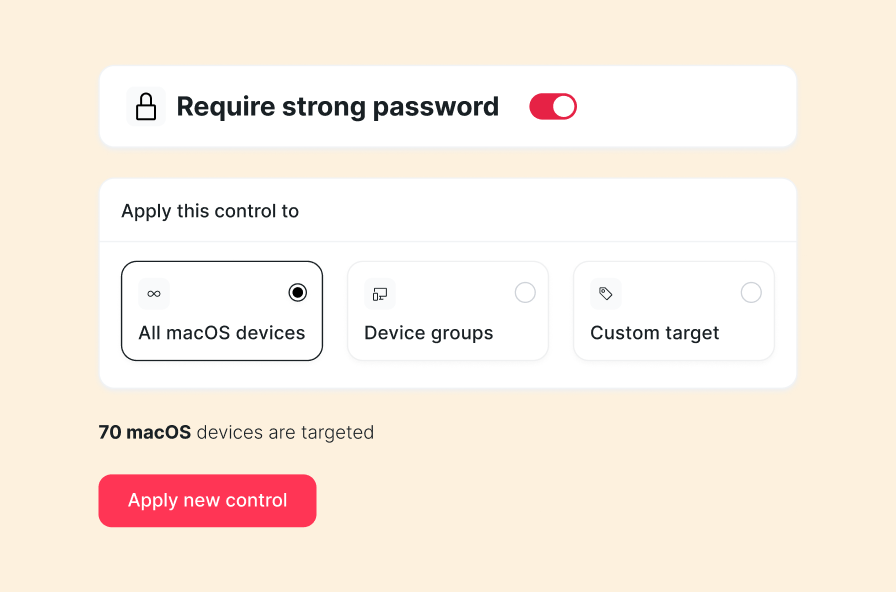
- Encryption, passwords, antivirus and patches applied by policy. Remote lock and wipe in seconds.
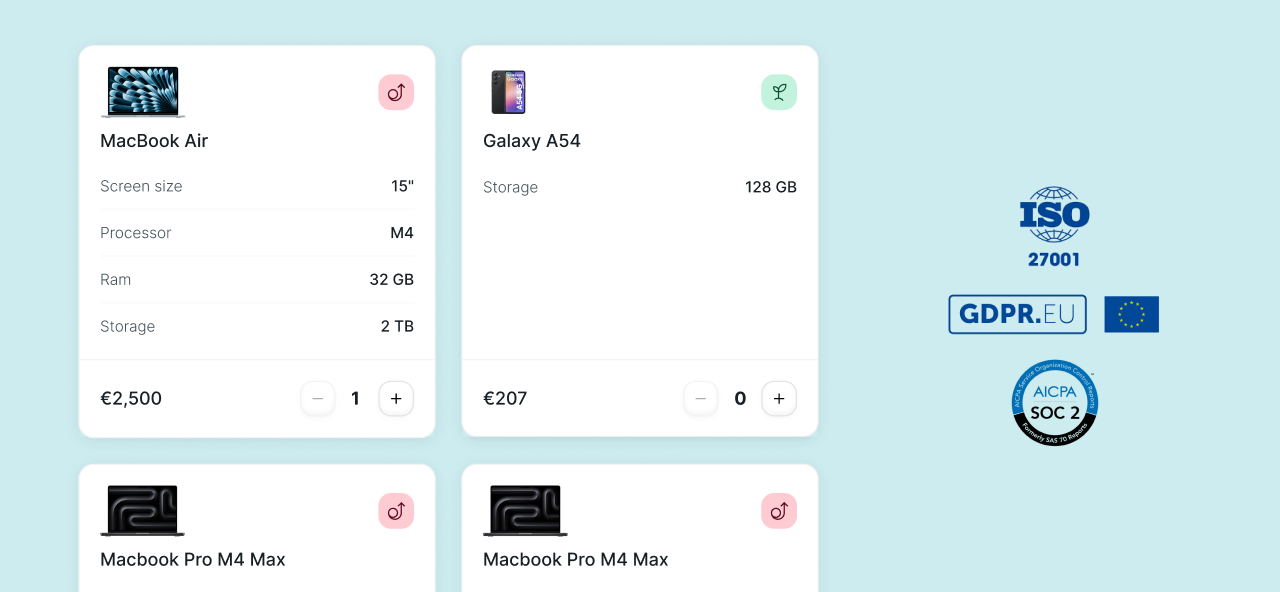
- Automatic evidence and reports for ISO 27001, SOC 2, NIS2 and GDPR.
- Our team supports you through migration, setup and training whenever you need it.
- 1:1 demo with our IT team and tailored pricing. No commitment.
What IT teams that made the switch have to say
"We didn't have an IT team and needed something we could deploy fast. With Factorial IT it just worked — it was the piece that got us ISO 27001, and because it's connected to HR, every onboarding basically takes care of itself."
A traditional MDM manages devices. Factorial manages your IT.
Everything You Need to Manage Your Devices
Instant visibility and control, without the busywork.
Frequently asked questions about Factorial IT
Everything IT needs, from day one to day done